Many small business owners see Google Ads as an expensive or complicated toy for big brands. The truth is different: you set the budget yourself, you mainly pay for genuine interest, and you can trace every euro. The condition is the right setup and regular care. In this guide, you’ll learn how Google Ads works, how much to invest in it, what to track and how to avoid mistakes that burn money.
How Google Ads works
Google Ads is a paid form of promotion in the Google search engine and its other services. It works as an auction: with every search, the system decides which ads to show and in what order. With search campaigns, you don’t pay for impressions but for clicks — which is why it’s also called PPC (pay per click).
Winning the auction isn’t just about how much you bid. Google assigns each keyword a Quality Score from 1 to 10. You get a higher score when the keyword, the ad text and the landing page (the page the ad leads to) are closely related. A better score means a better position and often a lower cost per click.
The main campaign types:
- Search — text ads in Google’s results when people search for your products or services.
- Display Network — image ads on partner websites and in apps.
- Shopping — products with a photo and a price, ideal for online stores.
- YouTube — video ads before or between videos.
- Performance Max — automated campaigns that show ads across all of Google’s services.
- Remarketing — ads for people who have already visited your website.
Why Google Ads pays off for small businesses too
The biggest strength of Google Ads is that it captures existing demand. You’re not reaching people who aren’t thinking about your product yet, but those who are searching for it right now. On top of that, you decide exactly who sees your ad:
- Location — from an entire country down to a radius of a few kilometers around your business.
- Language and devices — for example, mobile only, if you want people to call you right away.
- Time — the days and hours when customers are active or when you can take a call.
- Audiences — people interested in your field or those who have already been to your website.

Choosing keywords is crucial. Overly broad keywords bring in people with no real interest, while overly narrow ones may not get enough searches. Negative keywords — terms you don’t want your ad to show for — also matter. If you sell premium products, exclude words like “cheap,” “free” or “used,” for example.
How much to invest in Google Ads
There’s no universal amount. Your budget depends on the cost per click in your industry, the competition, your region and how many customers you need. Be careful with a budget that’s too small, though — if a campaign gets only a few clicks a month, you have nothing to evaluate and optimize.
A sensible approach:
- Find out the approximate cost per click for your keywords in Keyword Planner.
- Estimate how many visits you need for one order or inquiry.
- From that, calculate how much one customer will cost you, and compare it with how much you’ll earn from them.
Our recommended budget calculator will help you with a first estimate. Then adjust your budget based on results — add where the ads make money, cut where they don’t.
Which metrics to track
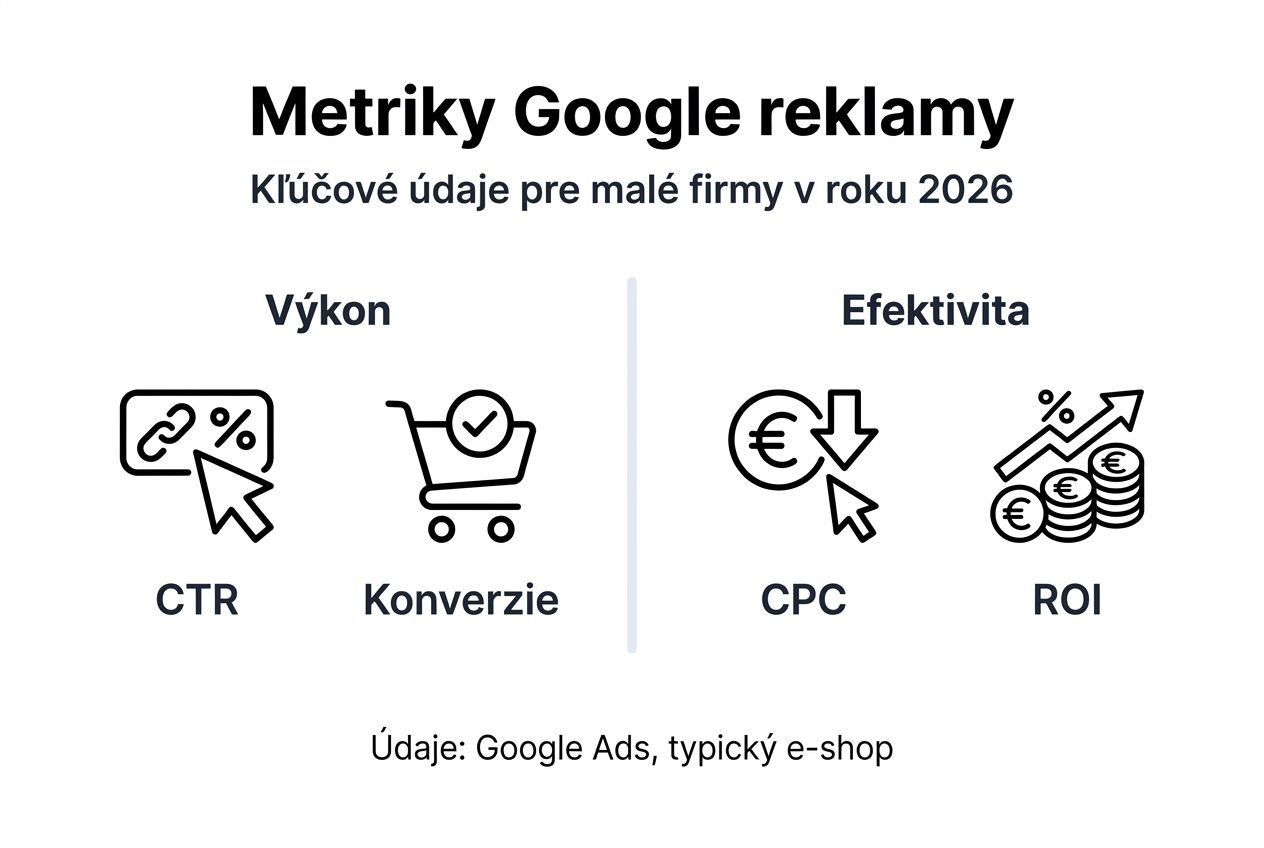
- CTR (click-through rate) — the percentage of people who saw your ad and clicked on it. It shows whether the ad is interesting to them.
- CPC (cost per click) — how much you pay on average for one click.
- Conversion rate — how many visitors from the ad took the desired action, such as a purchase or inquiry.
- CPA (cost per action) — how much one conversion costs you. It has to be lower than what a customer brings you.
- ROAS (return on ad spend) — how many euros of revenue one euro invested in advertising brings in.
- ROI (return on investment) — how much you earn after subtracting all costs.
An example: you put 500 euros into ads, and the orders they bring, after subtracting what you paid for the goods, give you a gross profit of 1,000 euros. ROI = (1,000 − 500) / 500 = 100%. So every euro you put into ads came back and earned another euro.
For online stores, it’s useful to know your break-even ROAS — the value at which advertising is not yet losing money. You calculate it from your margin: if 25% of each order is left as gross profit, you need a ROAS of at least 400% to break even. You can work it out quickly in our ROAS calculator.
Without conversion tracking, none of this can be evaluated. Set conversions up in Google Ads or import them from Google Analytics 4 — you’ll see which keywords and ads bring in customers, not just clicks.
The most common mistakes and myths
Mistakes that cost money:
- Missing negative keywords — you pay for clicks from people looking for something else.
- Everything leads to the homepage — instead of a page that matches the ad exactly.
- No conversion tracking — without it, you don’t know what works, and automated bidding can’t learn either.
- Overly broad targeting — the ad is shown to people outside your area or with no interest.
- Set it and forget it — a campaign without regular checks gradually loses performance.
The most widespread myth is that Google Ads is always expensive. But results don’t depend only on the size of your budget — they depend mainly on the setup. A small business with a well-targeted campaign and a quality landing page can achieve better results than a big company spending without a strategy.
The second myth: results will be instant. The first clicks come quickly, but fine-tuning a campaign takes time for testing and data.
Google Ads compared with other channels
- Google Ads captures demand that already exists and delivers results fast. It’s a good fit for services and products people actively search for.
- Facebook and Instagram ads reach people in their free time, when they’re not searching for anything. They’re strong for building a brand and creating demand, but the path to purchase tends to be longer. You’ll find a detailed comparison in the article Google ads vs. Facebook ads.
- Email marketing is the cheapest way to communicate with the customers you already have and encourage repeat purchases.
- SEO builds long-term traffic without paying per click, but results come more slowly.
If you need orders as soon as possible, Google Ads is the logical choice. For long-term growth, it pays to combine several channels.
How to set up a campaign step by step
- Define your goal — online purchases, phone calls, store visits or inquiries.
- Prepare keywords in Keyword Planner and group them by topic into ad groups.
- Write several ad versions for each group — with a clear benefit and a call to action.
- Add assets (formerly extensions) — phone number, address, links to subpages, benefits.
- Create landing pages focused on a specific offer, not a generic homepage.
- Set up conversion tracking and link Google Ads with Google Analytics 4.
- Set your budget and location, and check your negative keywords.
- Launch the campaign and monitor it — daily for the first few days, then regularly once a week.
How to keep improving your campaign
- Regularly check the search terms report and add negative keywords.
- Compare ad versions and replace weaker ones with new ones.
- Adjust your budget by day, hour and season — add where the ads make money.
- Improve your landing pages — speed, a clear offer and a simple form.
A higher return most often doesn’t come from a bigger budget but from no longer paying for clicks that bring nothing.
Frequently asked questions
What’s the minimum I need to invest in Google Ads?
There’s no fixed threshold. Your budget should be large enough for the campaign to get enough clicks to evaluate. It depends on the cost per click in your industry and region — you can get a rough figure in the recommended budget calculator.
How long does it take to see results?
The first clicks and visits come a few hours after your ads are approved. Data for sensible optimization takes several weeks to collect, and stable performance comes after ongoing testing and adjustments.
Is Google Ads a good fit for a local business?
Yes. You can show ads only to people in a specific area, add your address and phone number, and target people searching for services in your city. For tradespeople, repair shops or restaurants, it’s one of the most precise channels.
What are negative keywords?
They’re terms your ad shouldn’t show up for. If you sell new kitchens, you can exclude words like “second-hand” or “used.” That way, you save on clicks from people looking for something else.
Can I handle Google Ads myself, or do I need an agency?
You can handle a simple campaign yourself if you have time to learn and check it regularly. With bigger budgets, online stores or strong competition, an expert is worth it — they’ll save you the cost of mistakes and the time you need for running your own business.
Campaigns that make sense
A successful campaign isn’t about the biggest budget but about the best setup — so every euro counts. We’re a Google Partner, and we set up campaigns in an account that’s yours, not ours.
If you’d like us to look at your campaigns or help you launch one, check out our Google Ads services.